
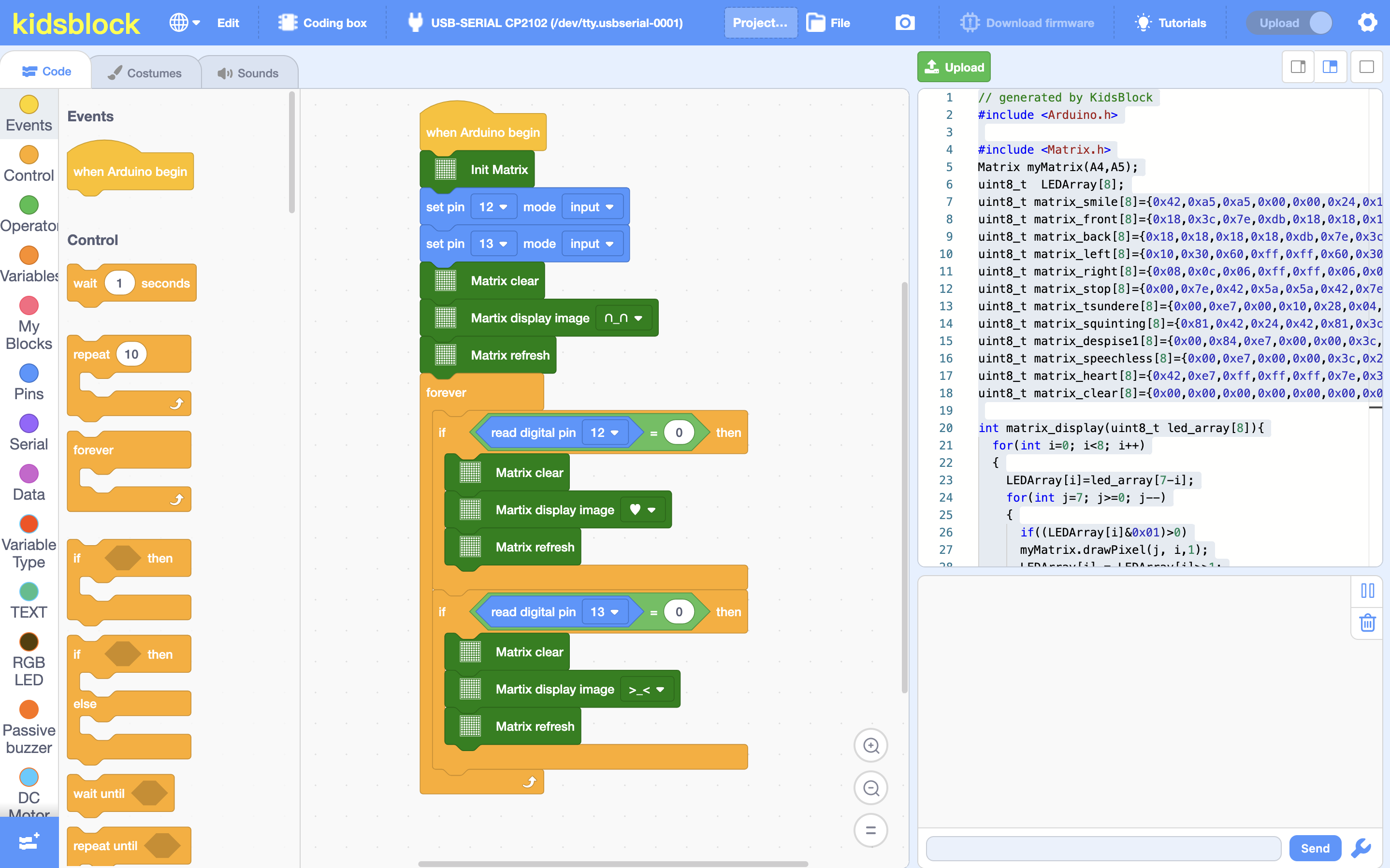
Graphical Block Programming
for Every Child to
Build Real Hardware
KidsBlock lets kids drag and drop blocks to control Arduino, ESP32, ESP8266, Micro:bit, Makey Makey, AIbot and more — no coding experience needed. Turn ideas into real hardware projects!
Built for Young Makers
KidsBlock perfectly combines visual programming with real hardware control, making creation easy for every child.
Graphical Programming
Drag and drop colorful blocks to build programs — no typing required.
Hardware Control
Connect and control Arduino, Micro:bit, ESP32, ESP8266, Makey Makey, AIbot and more.
Extension Modules
Hundreds of hardware modules supported out of the box.
Code Generation
Blocks auto-generate hardware control code with real-time preview, making graphical programming more intuitive.
Watch KidsBlock come alive
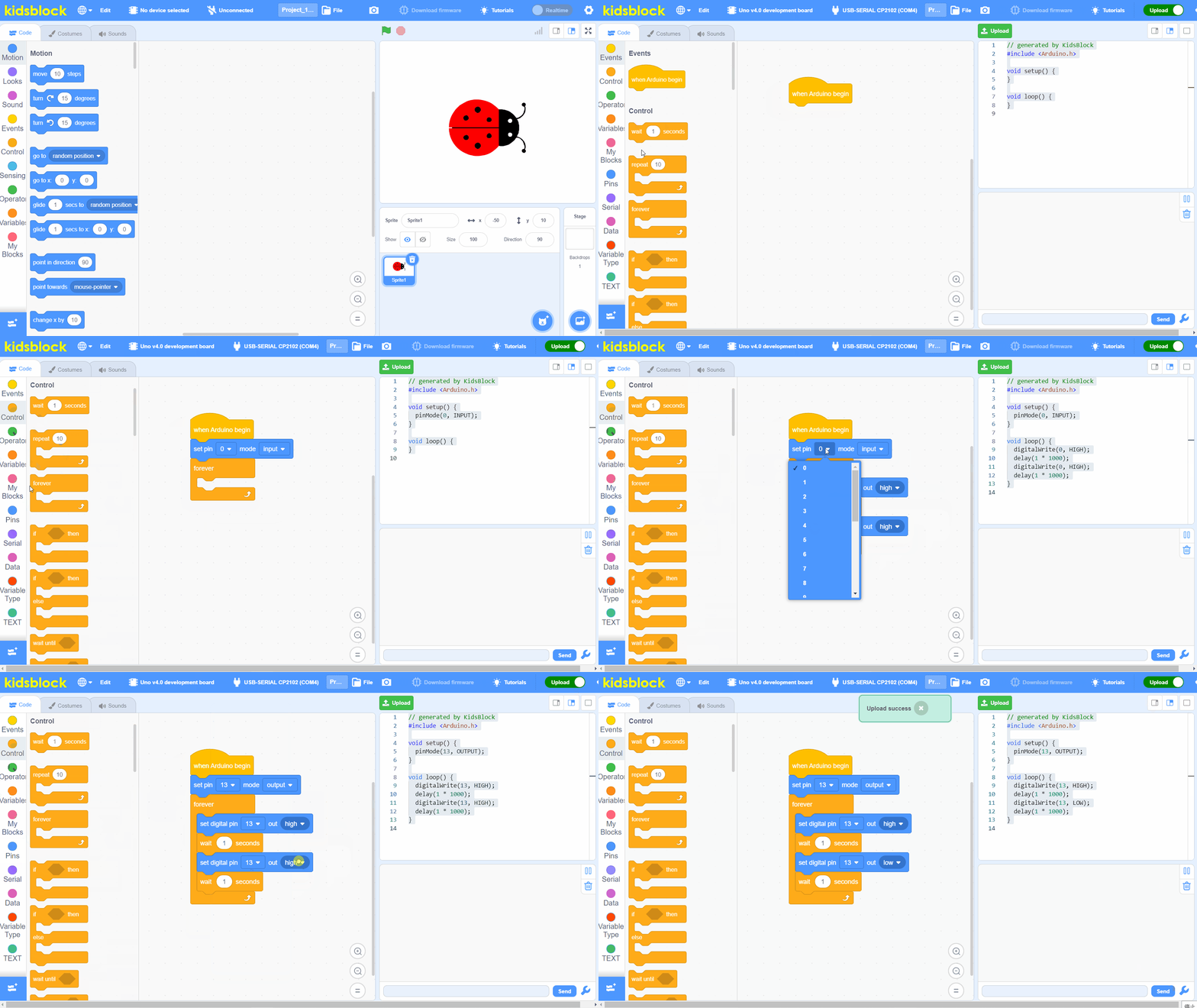
Drag & Drop Blocks
Build programs visually with colorful blocks
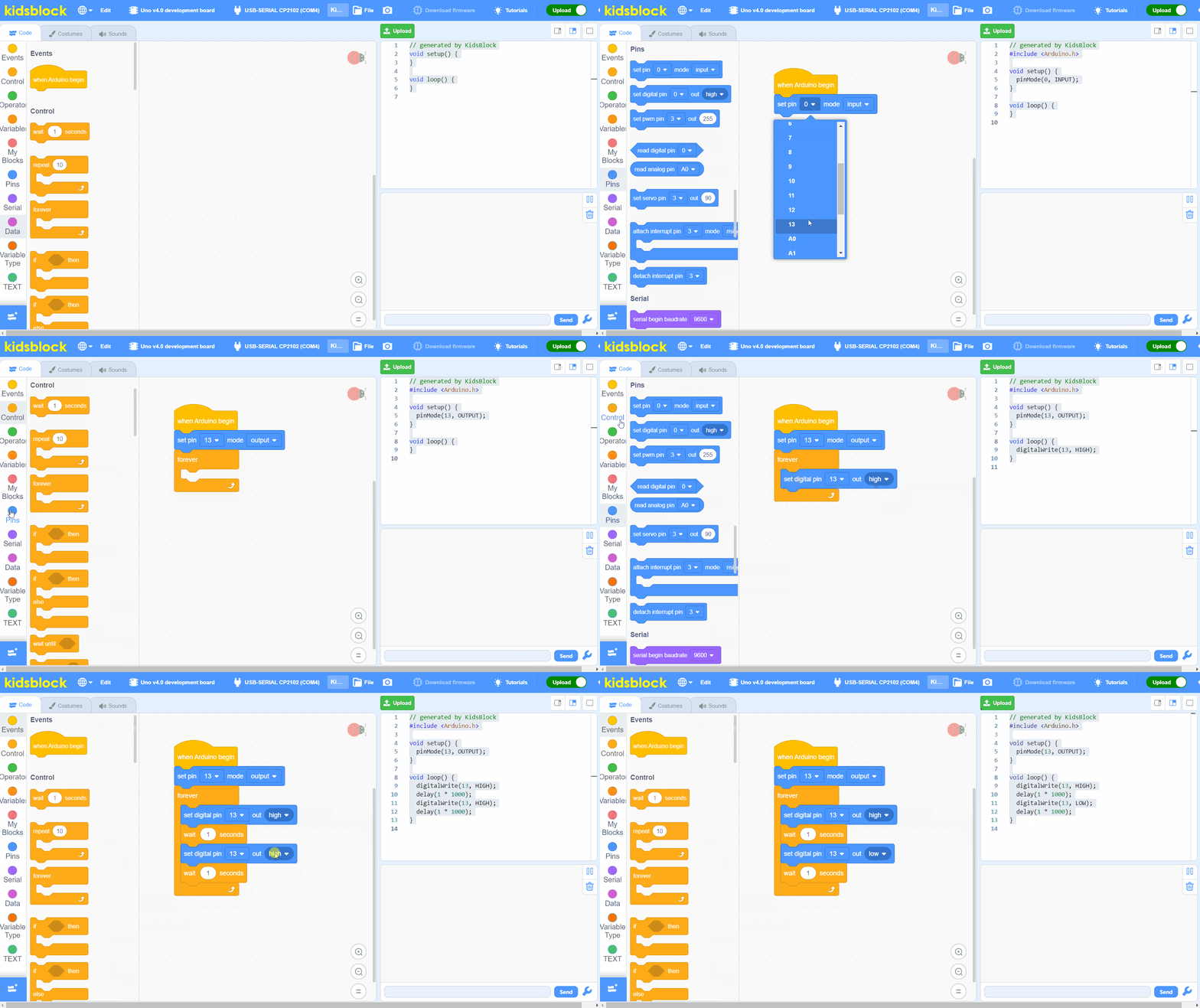
Hardware Control
Control real hardware in real time
Three modes for every project
Choose the right mode for your project — from interactive animations to standalone hardware programs.
Works with your favorite hardware
KidsBlock supports Arduino, ESP32, ESP32-S3, ESP8266, Micro:bit, Makey Makey, AIbot, Kidsbits and dozens of sensor modules.
Compatible Hardware Brands


Code Online, Anytime, Anywhere
Just install the KidsBlock Link tool, then open your browser to access the full graphical programming environment. Supports Arduino, Micro:bit, and more.