
Low Barrier Graphical Programming
Low Barrier Graphical Programming
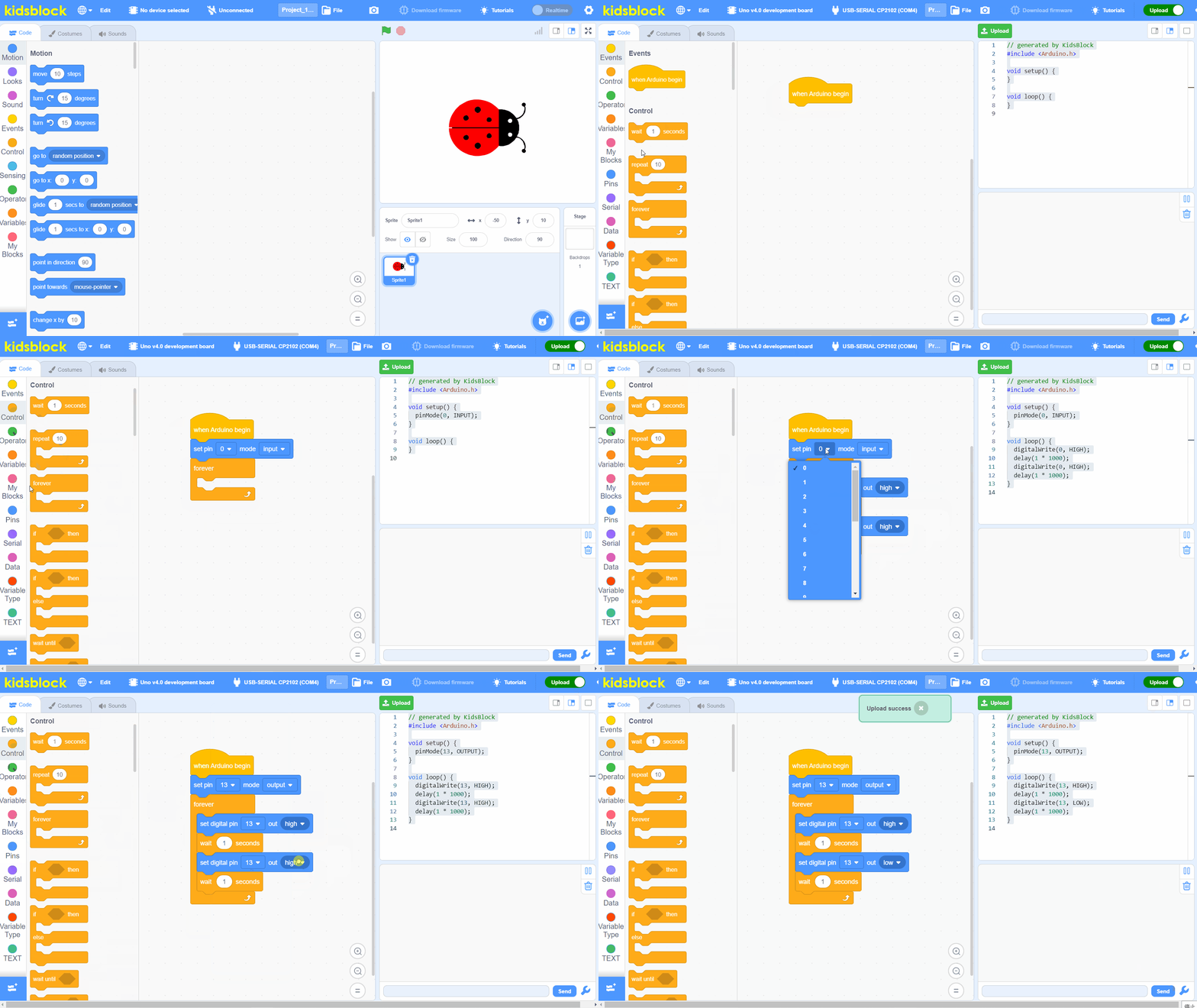
Based on Scratch 3.0, KidsBlock uses an intuitive drag-and-drop interface. Children can create complex programs without typing a single line of code.
- Scratch 3.0 compatible block system
- Sprite animation and game development
- Event-driven programming model
- Built-in sound and costume editor
Mainstream Open Source Hardware
Mainstream Open Source Hardware
KidsBlock supports all major open-source hardware platforms offline, enabling real-world hardware interaction.
- Arduino Uno, Nano, Mega series
- BBC Micro:bit V2
- ESP8266 WiFi module
- ESP32 with Bluetooth & WiFi
200+ Electronic Modules
200+ Electronic Modules
Extensive library of sensors, actuators, and display modules. Simply drag a block to control any connected hardware component.
- Temperature, humidity, light sensors
- Servo motors, DC motors, steppers
- OLED and LCD display modules
- Ultrasonic, IR, and color sensors
Auto-Convert Blocks to Hardware Code
Auto-Convert Blocks to Hardware Code
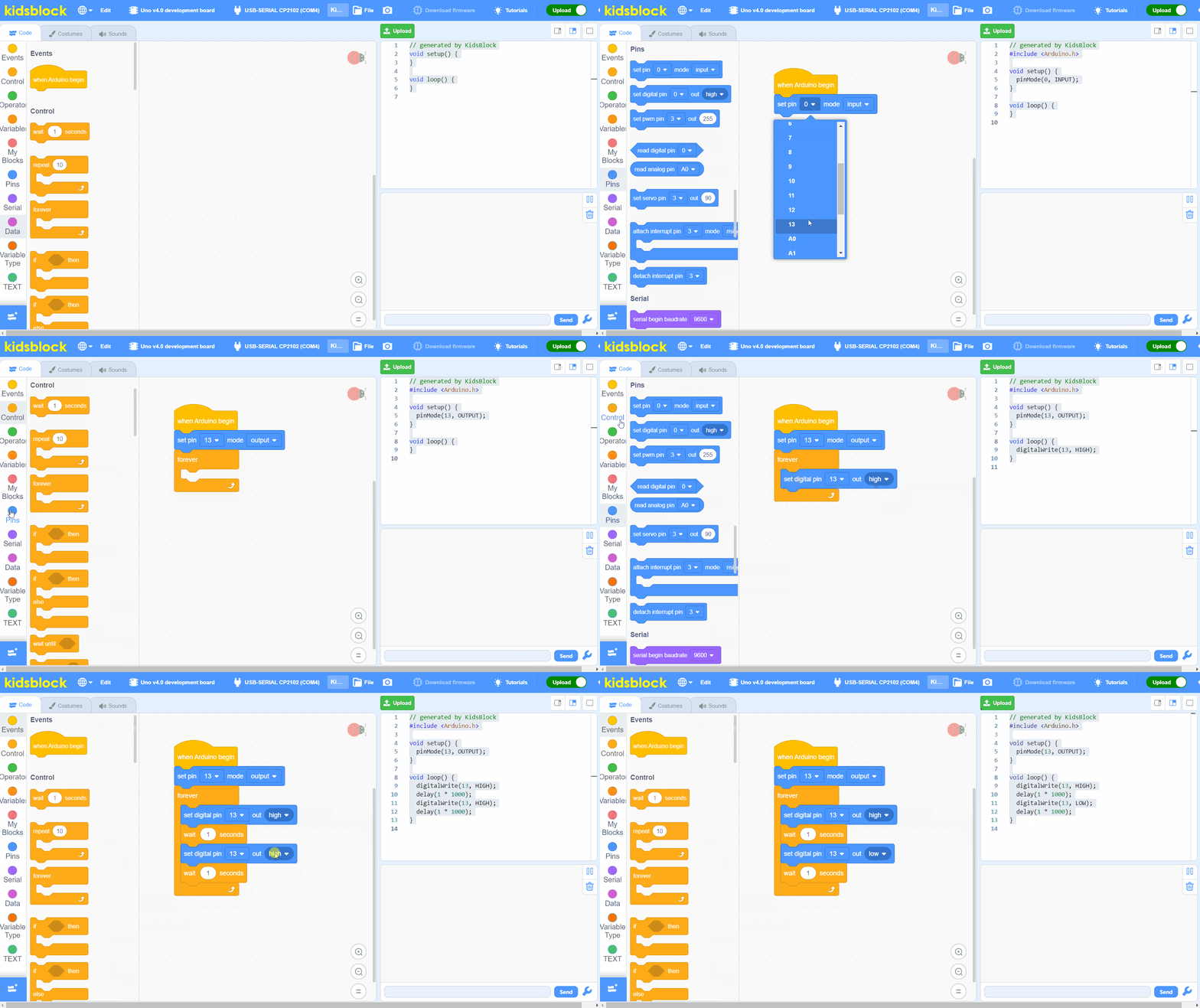
Every placed block automatically generates the corresponding hardware control code, helping students understand the logic behind graphical programming.
- Real-time block-to-code preview
- Supports Arduino, Micro:bit, ESP32 and more
- Editable code view
- Syntax highlighting
And Much More...
Realtime Control
Control hardware in real-time over USB connection
Serial Monitor
Built-in serial monitor for debugging and data visualization
Rich Tutorials
Comprehensive tutorials and example projects included
Safe & Offline
Works completely offline, no internet required